littleWEBZ Help Guide: Every Topic in One Place
Every littleWEBZ stick has this Help guide built in, in plain English. Here it is on the web too, so you can read it before you buy or when your phone is not on the littleWEBZ Wi-Fi.
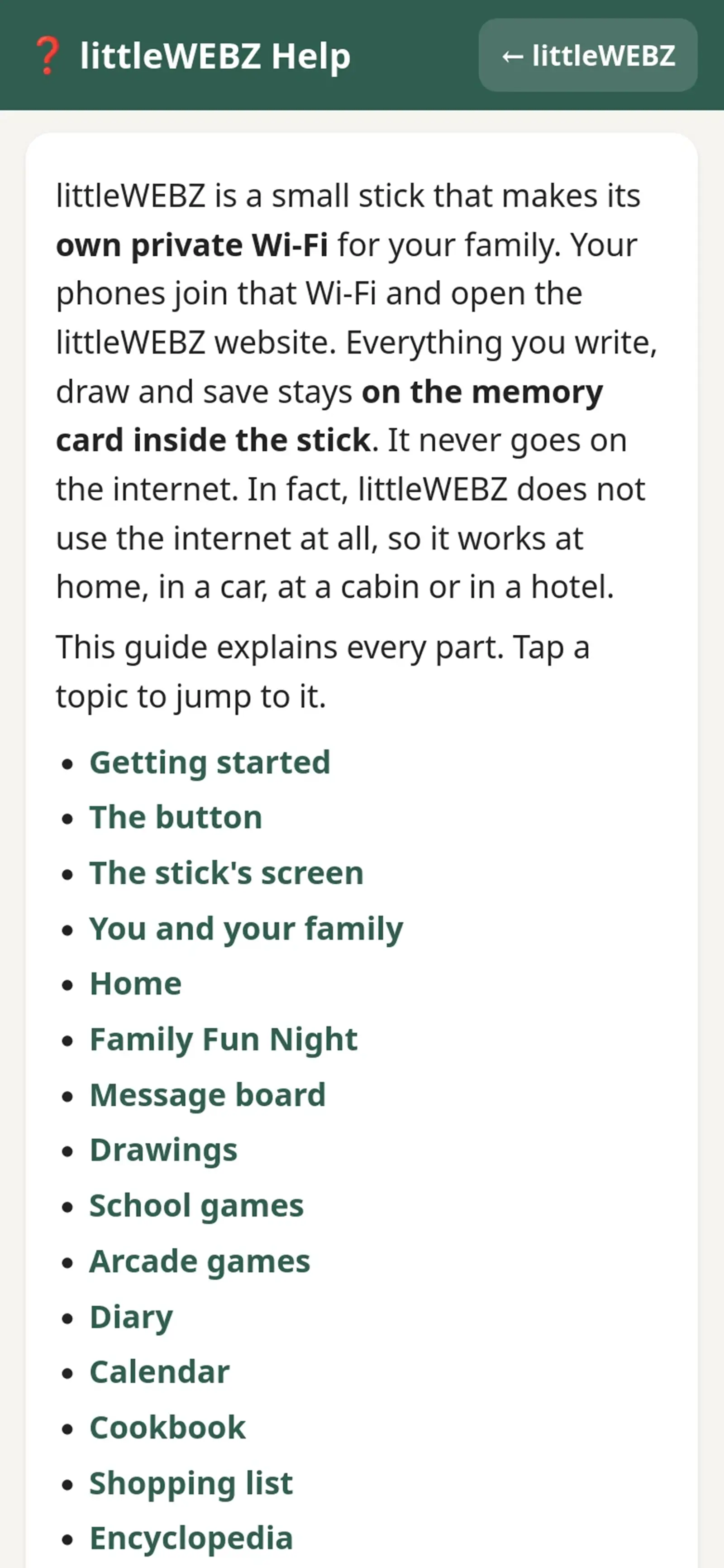
- Getting Started the Button and the Screen: Set up littleWEBZ in a minute: plug it in, scan two codes, choose a Parent PIN. What the button and the screen mean.
- The Parent PIN and Your Family: How the 6-number Parent PIN works, the recovery code on the box card, and how family members, names and colors work.
- Family Fun Night Trivia: Live trivia for up to 4 phones: start a game, rounds, jokers, the Wildcard, the host and the scoreboard on the stick.
- Message Board Drawings and Diary: Post notes and photos, draw with your finger, and keep a private diary with its own PIN.
- School Games and Arcade Games: Letter Slash, Number Match and Shape Monster for young kids, plus Brick Blaster, Star Defenders and Poker Night with pretend chips.
- Calendar Cookbook and Shopping List: The family calendar, family recipes with serving sizes and cook mode, the 5,000-page recipe library and the shared shopping list.
- Encyclopedia Books and Saved Websites: About 290,000 Simple English Wikipedia articles and more than 4,000 Wikibooks on the stick, with no internet.
- Wi-Fi Backup and Settings: Change the Wi-Fi name or password with the Parent PIN and the button, download a backup and manage family members.
- The Signal Finder: Hold the button 3 seconds: the stick becomes a silent Wi-Fi and Bluetooth meter that helps you look for hidden gadgets.
- Privacy Safety and Troubleshooting: What stays private and what does not, fixes for common problems, good-to-know facts and credits.
New words? See the littleWEBZ Glossary.
littleWEBZ is $69.99. No monthly fee, no accounts and no internet needed.