
littleWEBZ Help: Message Board Drawings and Diary
Post notes and photos, draw with your finger, and keep a private diary with its own PIN.
Message board
Write a note for the whole family and tap Post. You can add a photo from your phone. Tap the heart ♡ to like a message. You can delete your own messages. The board shows the newest 500 messages. Older ones are kept on the card but not shown.
Drawings
Draw with your finger. Pick a color and a brush size. White is the eraser. Undo takes back the last line, and Clear starts over. Tap Put it on the wall to share your picture with the family. Everyone can add hearts. The wall shows the newest 500 drawings.
Diary
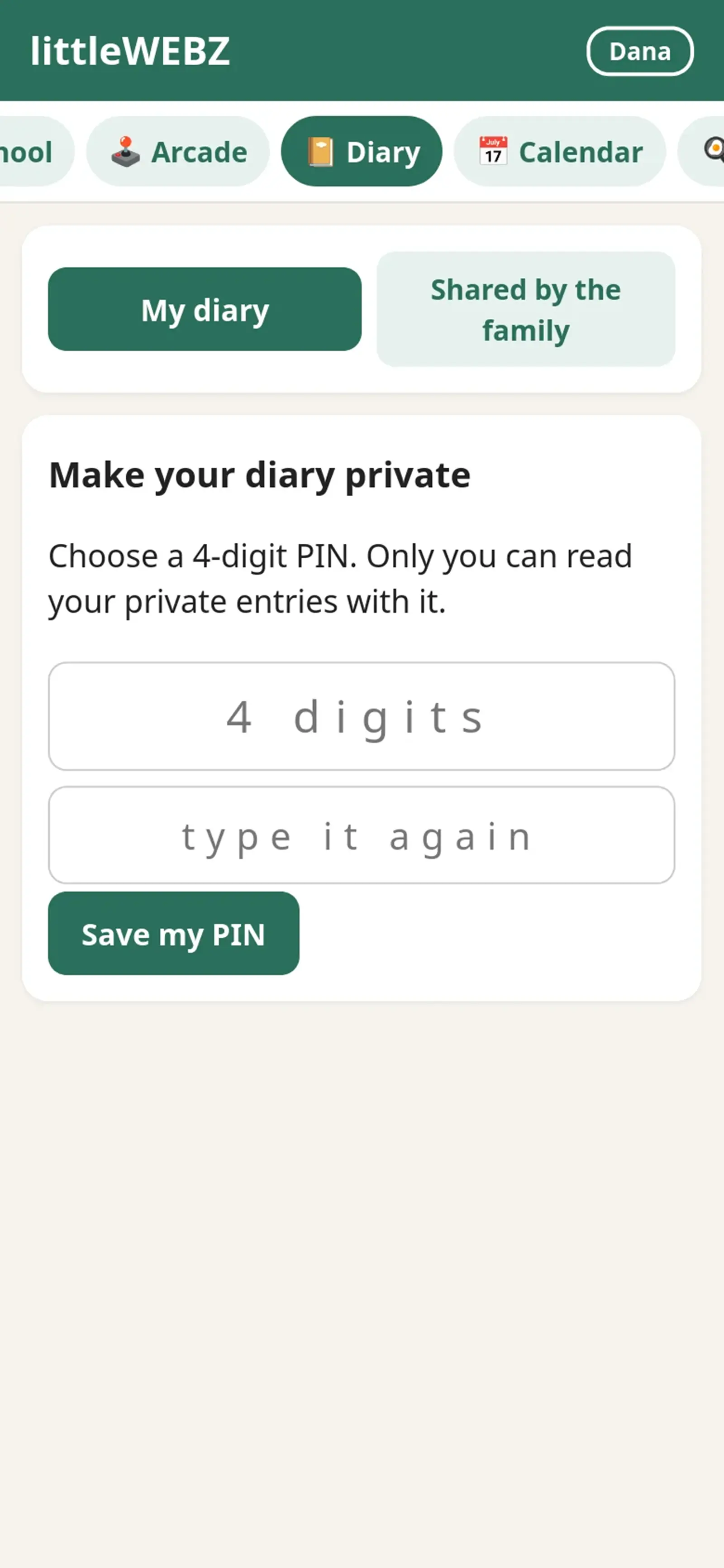
- The first time, choose a 4-digit PIN. You need it to open and write in your diary. Nobody else can read your private entries.
- When you write an entry, you can choose to share it. Shared entries show under Shared by the family for everyone.
- You can add a photo, and you can edit or delete your own entries.
- If you type a wrong PIN 5 times, you must wait 30 seconds. Each new wait is twice as long, up to about one hour.
- The phone remembers your PIN until you close the browser or tap Switch person.
Forgot your PIN?
- Tap I forgot my PIN. Choose your new PIN and type it two times.
- Ask a parent to type the Parent PIN.
- The stick's screen says "PRESS: reset PIN of" and your name. Press the button on the stick within one minute. Now your new PIN works.
A reset erases your private entries. That way nobody, not even a parent, can use a reset to read your diary. Your shared entries stay.
This is part of the littleWEBZ Help guide. The same guide is built into every stick: tap the ❓ Help tab.