
littleWEBZ Help: Family Fun Night Trivia
Live trivia for up to 4 phones: start a game, rounds, jokers, the Wildcard, the host and the scoreboard on the stick.
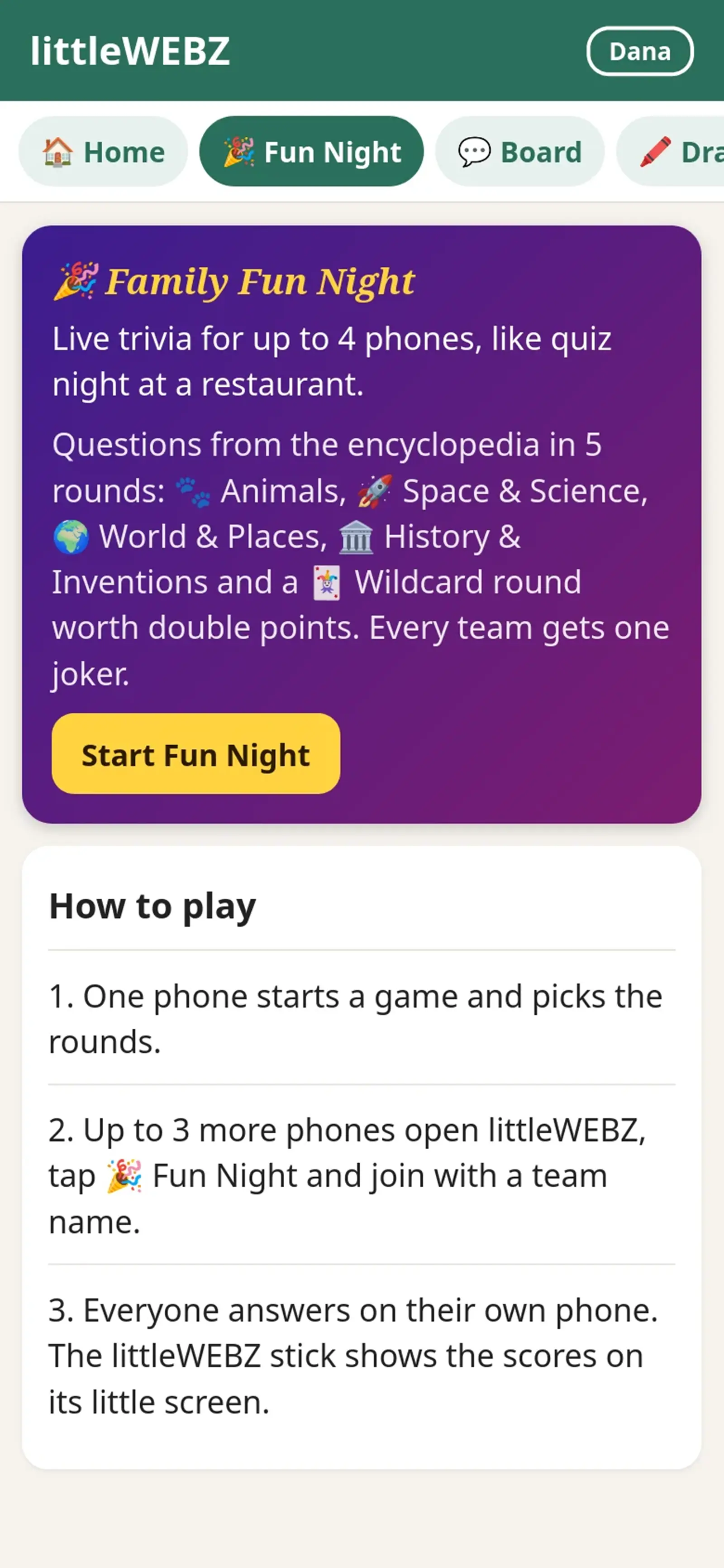
Family Fun Night
A live trivia game for up to 4 phones (4 teams), just like trivia night at a restaurant. Every team answers on its own phone. Each answer comes with a short fact from the encyclopedia on the stick.
Start a game
- One person opens 🎉 Fun Night and taps Start a game. That phone is the host.
- Pick a team name and a team color. Choose the rounds, how many questions per round (3, 5 or 10) and the time for each question. Pick 45 seconds for young players.
- Tap Open the game for the other phones.
- On the other phones: open littleWEBZ, tap 🎉 Fun Night, then Join the game.
- When all teams are in, the host taps Start the game.
Playing
- There are up to 5 rounds: 🐾 Animals, 🚀 Space & Science, 🌍 World & Places, 🏛️ History & Inventions and the 🃏 Wildcard. The host can leave some out. Each Wildcard question mixes two topics and counts double.
- Each round starts with a title screen. It starts by itself after 30 seconds.
- Read the question and tap A, B, C or D. Your answer is locked in: you cannot change it.
- When every team has answered (or time runs out), all phones show the right answer and a short fact from the encyclopedia for 12 seconds.
- A right answer is worth 10 points (20 in the Wildcard round).
- Joker: each team gets one joker per game. Play it on a round's title screen, before the round starts. It doubles your points for that round. A joker in the Wildcard round makes each answer worth 40!
- The scores show between rounds. At the end, the winner gets confetti. If two teams have the same points, the team that answered right faster wins.
The host
- The host can start each round sooner, show the answer early and go to the next question. The game also moves on by itself, so nobody has to wait.
- The ☰ menu lets the host pause and resume, or end the game. To remove a team, tap the ✕ next to its name before the game starts.
- If the host's phone is asleep for 15 seconds, any other team can tap Take over as host.
- At the end, the host can tap Play again. The next game uses new questions first.
Anyone can leave with ☰ › Leave the game. After the game has started, the team's score stays on the board, but a team that left is placed last. A team that comes back with the same name gets its points back.
When the game is full (4 teams), other phones can still watch the scores. The 🔊 button turns the sounds on or off. The screen stays on during a game.
This is part of the littleWEBZ Help guide. The same guide is built into every stick: tap the ❓ Help tab.