What Is a Family Hub: A Private Family Hub With No Subscription
A family hub is one shared place for your family's messages, calendar, lists and fun. littleWEBZ is a family hub on a small stick: $69.99 once, with no monthly fee, no cloud and no internet.
What is a family hub?
Every family needs a place to share news. For years, that place was the fridge door. A paper calendar hung next to it. Notes for "buy milk" and "soccer at 5" were stuck on with magnets. Everyone walked past it, so everyone saw it.
Today most of that has moved to phones. But it is spread over many apps: a group chat for messages, one app for the calendar, another for the shopping list, and photos everywhere. A family hub pulls it back into one place that the whole family shares. It is the fridge door, made digital.
What a good family hub does
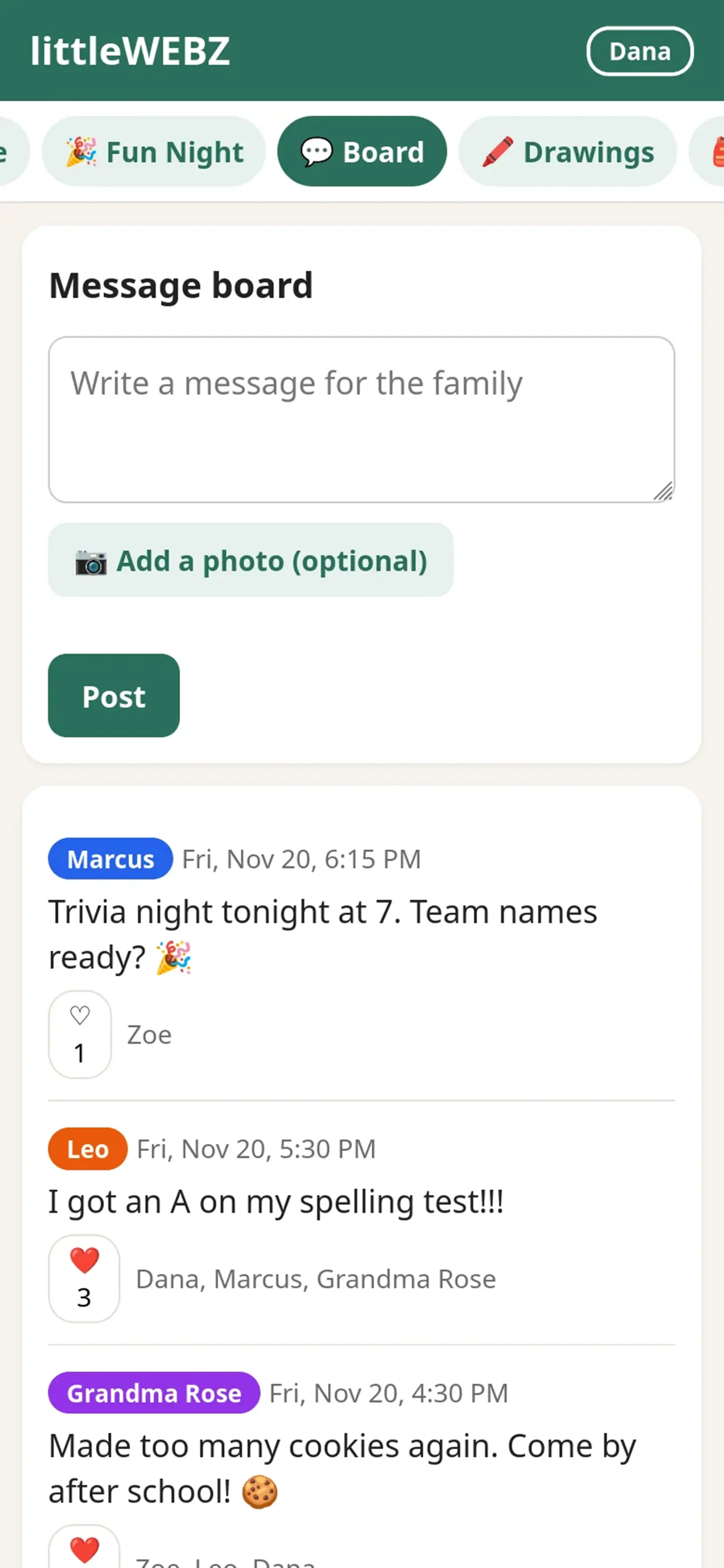
- A message board. Anyone can post a note or a photo for the whole family. Others can add a heart.
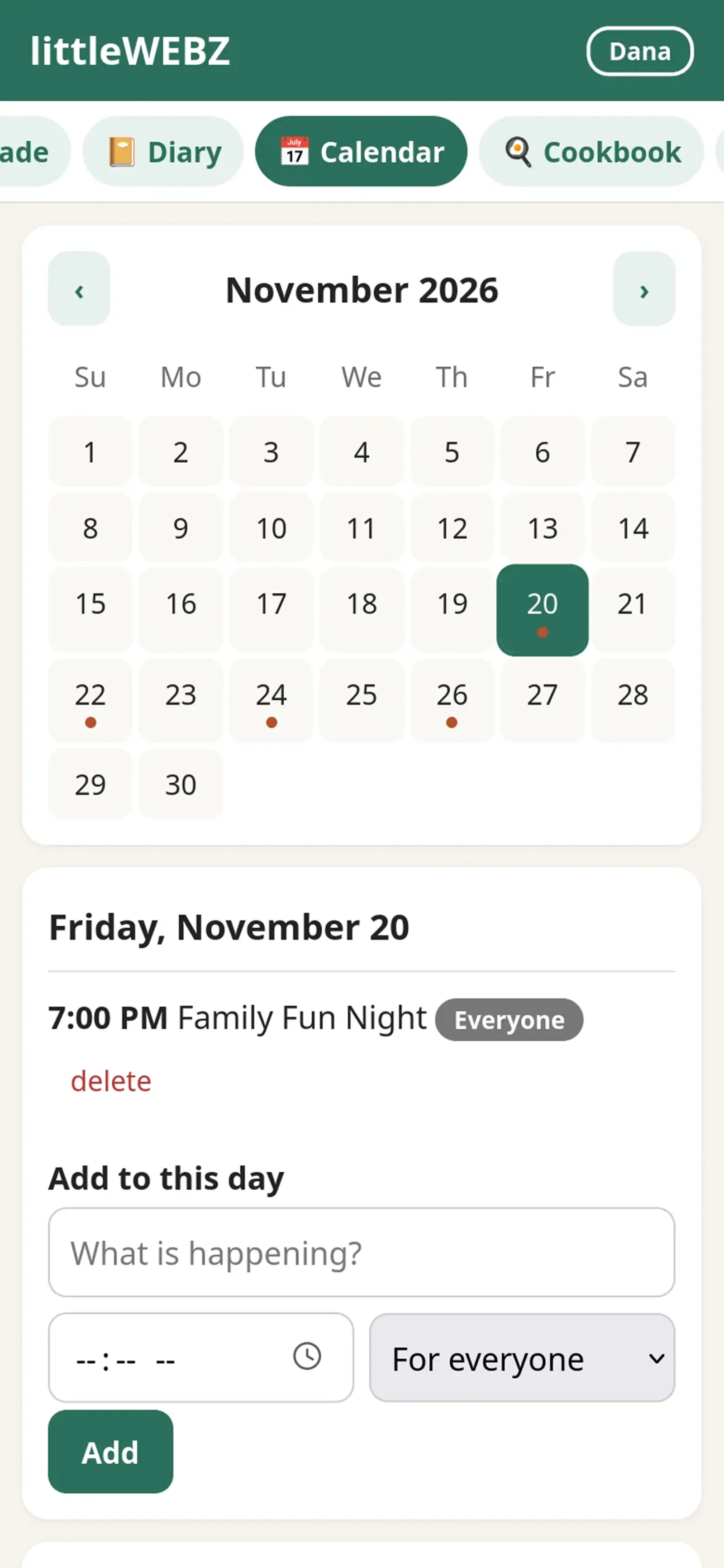
- A shared calendar. Practice, appointments, trips and birthdays, all in one place.
- A shopping list. Whoever is at the store sees what to buy. Whoever runs out adds it.
- Family recipes. Grandma's soup should not live on a stained card in one kitchen drawer.
- Room for each person. Kids want a place for their drawings and their own diary.
- Something to do together. The best hubs are not only for chores. They bring people to the same table.
Four ways to have a family hub
| Kind | How it works | What to watch for |
|---|---|---|
| Wall screens and smart calendars | A big touch screen on the wall or the counter, linked to an online account | Many charge a yearly plan for the best features. For example, Skylight's help pages list Skylight Plus at $79 a year (checked November 2026). |
| Smart fridges and smart speakers | A screen on the fridge, or a speaker with a screen | Need the internet and an account. Samsung uses "Family Hub" as the name of its smart fridges. |
| Family apps | An app on each phone that shares lists and a calendar through the internet | Every person needs the app and an account. Your family's data is stored on the company's computers. |
| littleWEBZ | A small stick that makes its own Wi-Fi; your phones are the screens | No big wall screen, and it does not sync with online calendars. But no fee, no cloud and no internet, ever. |
The hidden costs of a family hub
The price on the box is not always the whole price. Before you choose, look for these:
- A monthly or yearly fee. A $79 yearly plan adds up to $395 over five years, on top of the screen.
- The internet. If the hub lives in the cloud, it stops when the internet stops. That includes storms, power cuts, cabins and long drives.
- Accounts. Each account is one more password, one more e-mail list and one more company that holds your family's words and photos.
- One spot on the wall. A wall screen only helps the person standing in front of it. Phones go everywhere the family goes.

How littleWEBZ works
- Plug it in. Any USB-A port works: a phone charger, a computer, a car or a power bank. The screen shows two square codes.
- Scan the first code. Your phone joins the littleWEBZ Wi-Fi. Each stick has its own password.
- Scan the second code. The family site opens in your web browser. There is no app to install.
- A parent sets the Parent PIN. Six numbers that only the parents know.
- Everyone adds a name and a color. Up to 10 phones can be on at the same time.
That is it. Nothing is sent to the internet, because littleWEBZ never connects to it. Everything is saved on the memory card inside the stick.
What your family gets
- Message board with photos and hearts.
- Calendar that shows birthdays by itself.
- Shopping list that everyone can change.
- Family cookbook. Change the servings and the amounts change for you. Cook mode shows one step at a time in big letters. Tap a button to add what you are missing to the shopping list. About 5,000 cookbook pages from Wikibooks come with it.
- Private diaries, each with its own 4-number PIN.
- A drawing wall for the kids' finger paintings.
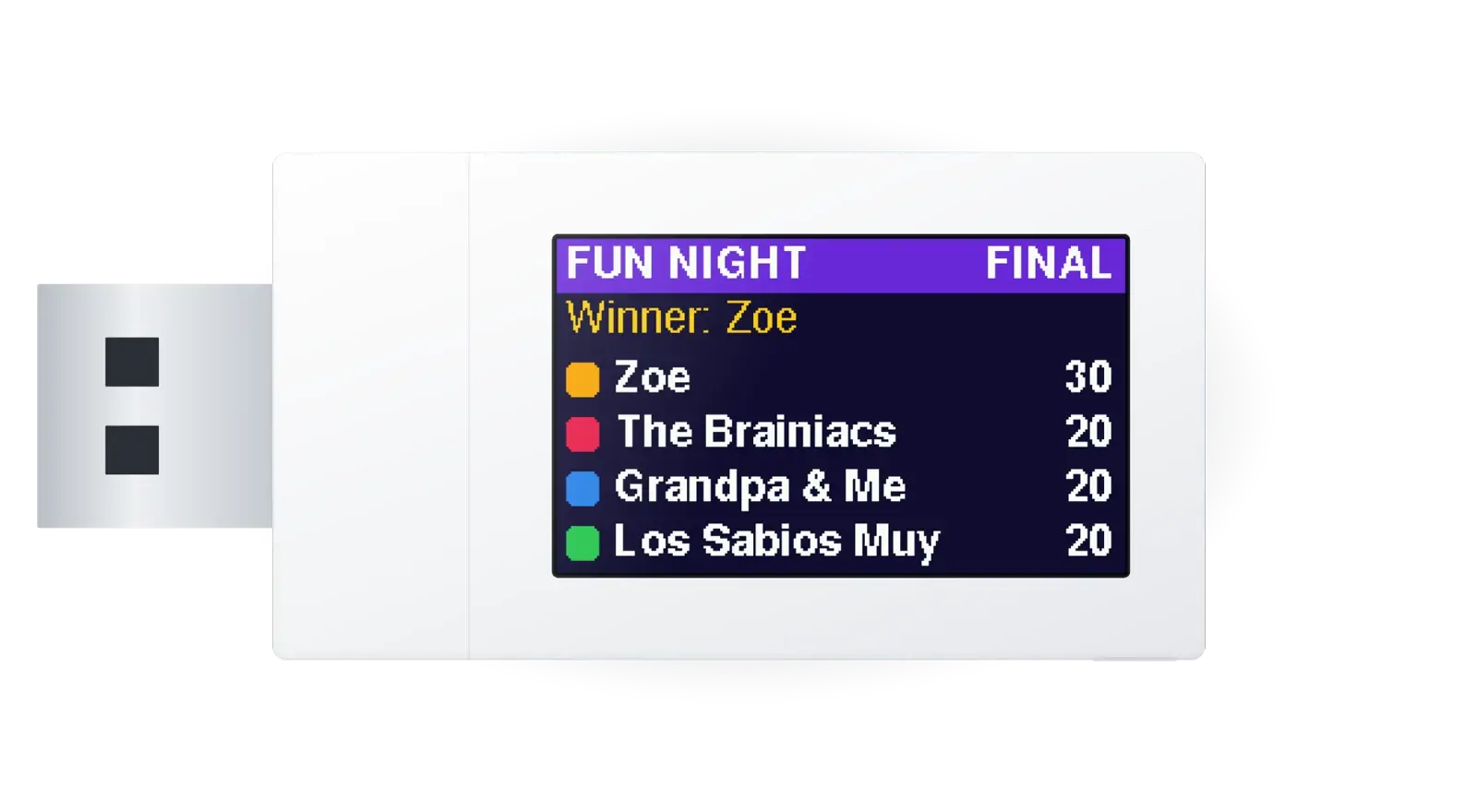
- Family Fun Night: live trivia for up to 4 phones, with live scores on the stick's own screen.
- Six games: three learning games and three arcade games.
- A library: about 290,000 Simple English Wikipedia articles and more than 4,000 free books.

Parents stay in charge
A shared family hub needs one grown-up in charge. On littleWEBZ, the first person to set it up chooses the Parent PIN. Only that PIN can change the Wi-Fi, reset a diary PIN, remove a family member or change someone else's name. For the Wi-Fi and a diary reset, someone must also press the button on the stick. So a kid cannot do them, and nobody can do them from far away.
If you forget the Parent PIN, the card in the box has a recovery code for your stick. Keep that card away from the kids.
The honest limits
- There is no big wall screen. Your phones and tablets are the screens.
- It does not sync with Google, Apple or other online calendars.
- The backup holds text only, not photos.
- The PINs work inside the website. Anyone who holds the stick can read its card with a computer. Keep the stick somewhere your family trusts.
- It has no battery. It needs USB power to run.
A family hub you can take with you
A wall screen stays on the wall. littleWEBZ is about the size of a thumb drive, so the family hub goes where the family goes. Plug it into the car on a road trip and the kids can play trivia in the back seat. Take it to grandma's house and she can see the drawings and the message board. At a cabin with no internet, the calendar, the cookbook and the library still work.
Your family's posts, photos and diaries travel with it, because they are saved on the card inside the stick. When you get home, plug it back in and everything is right where you left it.
How to choose a family hub: five questions
- What will it cost in five years? Add the price and every fee.
- Does it work without the internet? Think about storms, trips and cabins.
- Where is our data kept? On a company's computers, or at home?
- Can everyone use it? Grandparents, small kids and teens, on the phones they already have.
- Will the kids want to use it? Games, trivia and drawings bring them back.
Who littleWEBZ is for
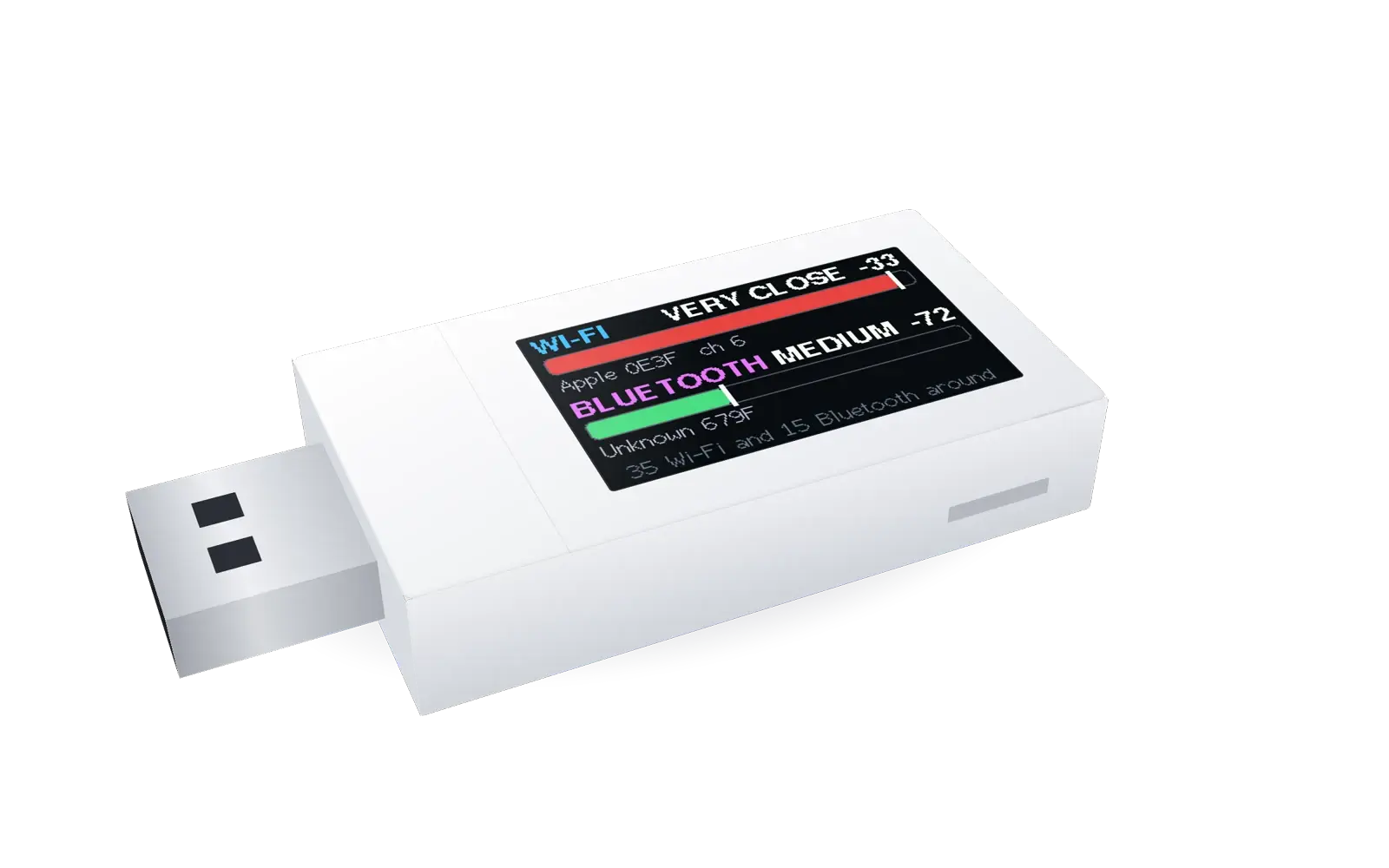
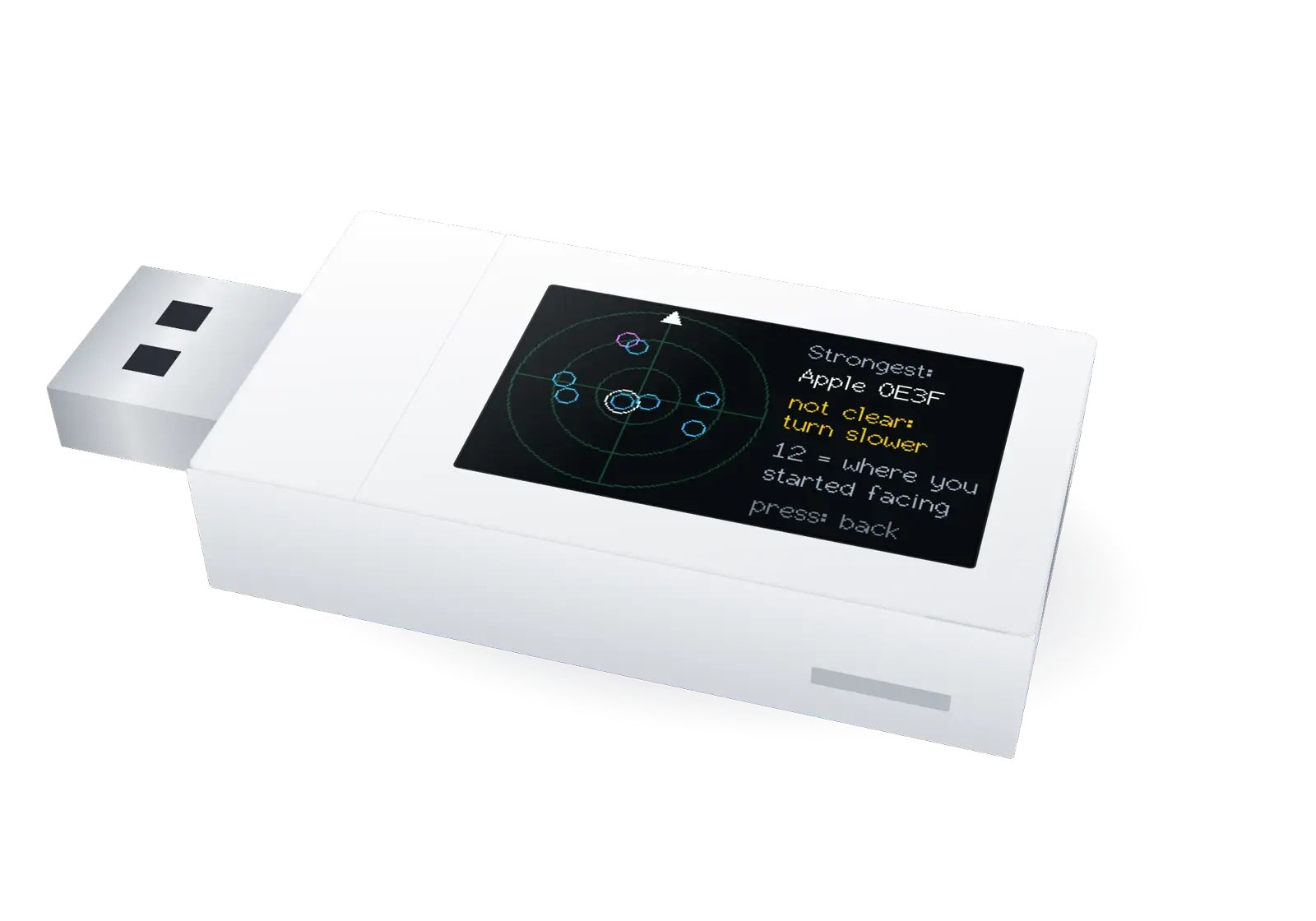
Families who want one shared place without ads or monthly fees. Families who travel, camp or spend time at a cabin. Homeschoolers who want a safe library. Families who prepare for storms and power cuts. And anyone who wants their family's photos and words to stay at home. It also has a second tool for trips: the Signal Finder.
Questions and answers
What is a family hub?
One shared place for a family's messages, calendar, shopping list, recipes and fun.
Does littleWEBZ have a monthly fee?
No. It costs $69.99 once. There is no subscription.
Does littleWEBZ need the internet?
No. It makes its own Wi-Fi and never connects to the internet.
How many phones can use littleWEBZ?
Up to 10 phones, tablets or computers at the same time.
Is littleWEBZ the Samsung Family Hub?
No. Samsung Family Hub is a smart fridge. littleWEBZ is a small stick that makes a private family website, and it is not made by Samsung.
littleWEBZ is $69.99. No monthly fee, no accounts and no internet needed.