Counter-Surveillance for Travelers: Check a Room for Hidden Cameras and Trackers
You can check a hotel room or a rental for hidden gadgets in about ten minutes. Look with your eyes first, then use a signal meter like the littleWEBZ Signal Finder to hear gadgets that send Wi-Fi or Bluetooth.
Why people check their rooms
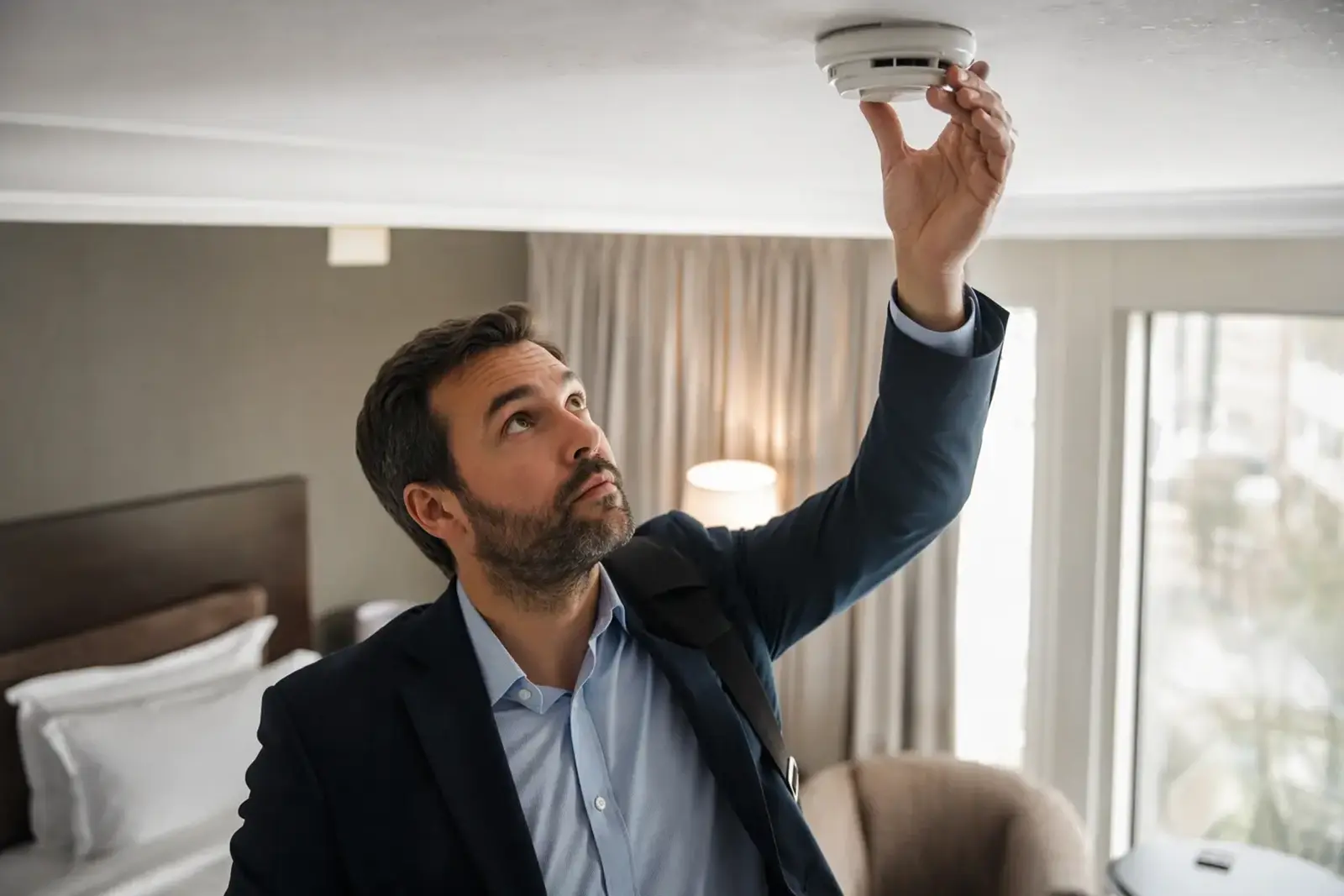
Small cameras and tracking tags are cheap today. Most rooms are fine. But checking is quick, and it gives you peace of mind. This kind of checking is called counter-surveillance: making sure nobody is secretly watching or tracking you.
Step 1: look first
Many hidden cameras sit inside normal things. Look closely at:
- smoke detectors and clocks
- USB chargers and power strips
- lamps, picture frames and plants
- air vents and shelves that face the bed or the shower
Look for a tiny hole, a small lens that shines, or a light that blinks.
Step 2: listen for signals
Many cheap cameras send their video over Wi-Fi. Tracking tags send Bluetooth signals. You cannot see these signals, but a meter can hear them.
littleWEBZ has a mode called the Signal Finder. Hold its button for 3 seconds and the stick becomes a silent meter with two bars: WI-FI and BLUETOOTH. Plug it into a power bank and carry it around the room. The bar grows as you get closer to a gadget, like the game "hot and cold".
Step 3: read the clues
| Clue | What it means |
|---|---|
| BUSY | This Wi-Fi gadget is sending a lot of data. Video cameras send a lot. |
| CAM MAKER | Its maker also makes security cameras. |
| TRACKER? | This Bluetooth gadget looks like a tracking tag, such as an AirTag, Tile or SmartTag. |
These are clues, not proof. A TV can be busy, and a phone can look like a tracker. Use them to decide where to look more closely.
Step 4: find the direction
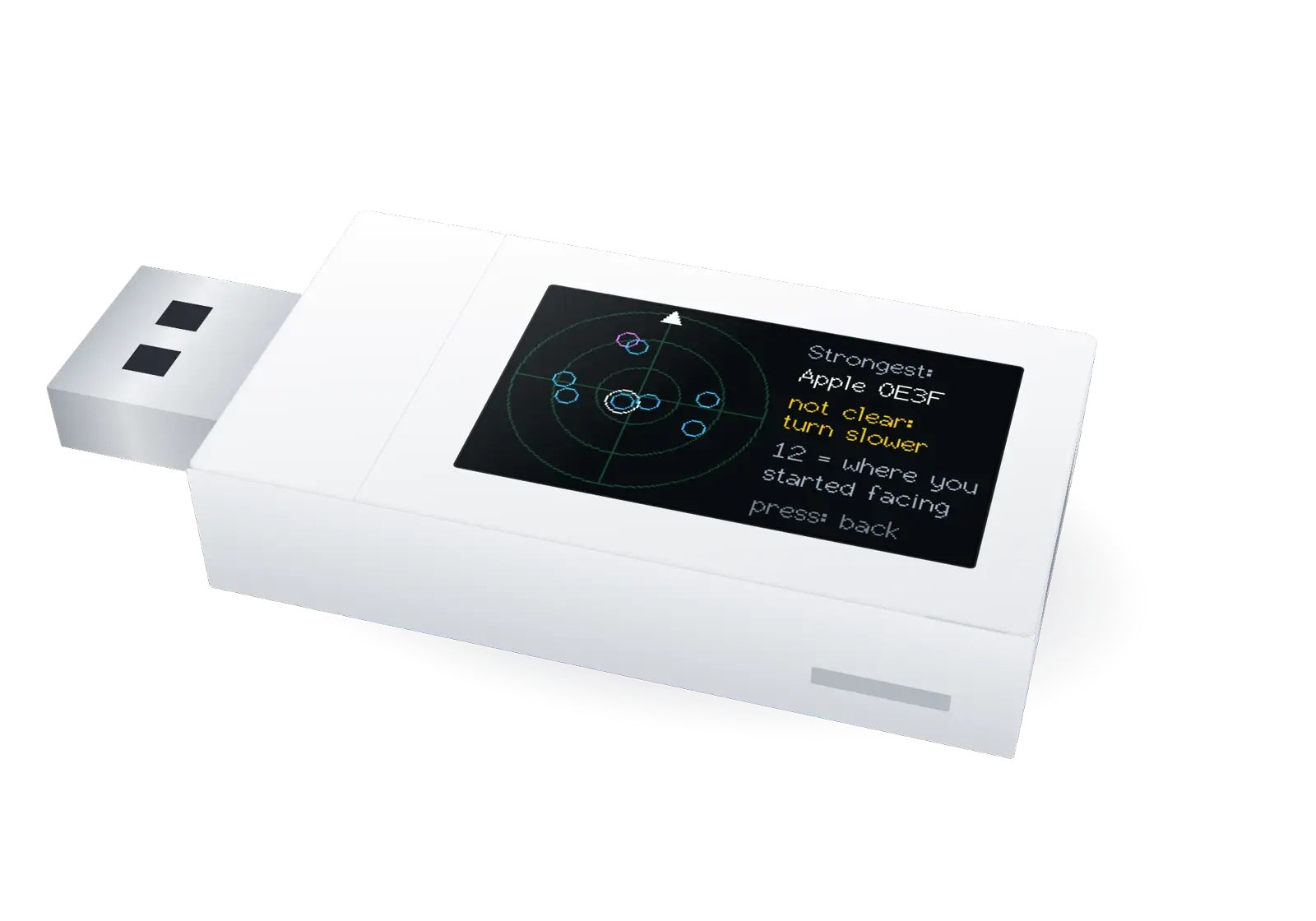
Hold the stick flat on your chest, press the button twice, and turn slowly to your right in a full circle. Your body blocks part of the signal, so the signal is strongest when you face the gadget. The stick then shows a radar picture and says where the strongest gadget is, like "at 4 o'clock". The direction is rough, about one eighth of a circle. Walk that way and watch the meter.
What a signal meter cannot do
- It cannot hear 5 GHz Wi-Fi or classic Bluetooth.
- It cannot find a camera that only records to its own memory card, or one that uses a cable. Those send no signal.
- Fast modern devices, like laptops, may not show BUSY.
- It cannot promise that a room is safe. It helps you look.
Good habits on the road
- Check the room before you unpack.
- Many phones can warn you about tracking tags that travel with you. Check your phone's settings.
- Use the Signal Finder to look, and use it fairly: it is for checking your own room, never for spying on other people.
The Signal Finder only listens. It sends nothing, joins no network and reads no messages. When you hold the button again, the stick is your private family hub once more. Read the full Signal Finder guide.
Questions and answers
Can littleWEBZ find every hidden camera?
No. It hears gadgets that send 2.4 GHz Wi-Fi or Bluetooth Low Energy. Cameras that use 5 GHz, a cable, or only a memory card send nothing it can hear. It helps you look; it cannot promise a room is safe.
Does the Signal Finder send any signals?
No. It only listens to signal strength and gadget addresses. It joins no network and reads no messages.
What should I do if I find a hidden camera?
Do not touch it. Take a photo, leave the room and tell the hotel or the police.
littleWEBZ is a family hub and a Signal Finder in one stick, for $69.99.