littleWEBZ Glossary: Family Hub Offline and Signal Words Explained
Words you meet on littleWEBZ and in our articles, explained in plain English.
- 192.168.4.1
- The address you type in your web browser to open littleWEBZ when your phone is on its Wi-Fi.
- 2.4 GHz
- The radio band most home Wi-Fi gadgets use. littleWEBZ makes its Wi-Fi on 2.4 GHz, and the Signal Finder listens on 2.4 GHz. Read more
- 5 GHz
- A faster Wi-Fi band. Some newer gadgets use it. The Signal Finder cannot hear 5 GHz. Read more
- AirTag
- A small Bluetooth tracking tag made by Apple. The Signal Finder shows TRACKER? for gadgets that look like tags. Read more
- Arcade games
- The three just-for-fun games on the stick: Brick Blaster, Star Defenders and Poker Night (pretend chips only).
- Backup
- A file you can download to your phone with the text of your family's lists, posts and diaries. It does not hold photos.
- Bluetooth Low Energy (BLE)
- A low-power kind of Bluetooth used by tags, watches and many small gadgets. The Signal Finder listens for it. Read more
- BUSY
- A Signal Finder clue: this Wi-Fi gadget is sending a lot of data. Video cameras send a lot. A clue, not proof. Read more
- CAM MAKER
- A Signal Finder clue: the gadget's maker also makes security cameras. Read more
- CC BY-SA 4.0
- The free license of Wikipedia and Wikibooks. You may share their text if you name where it came from.
- Classic Bluetooth
- The older kind of Bluetooth used by many speakers and headsets. The Signal Finder cannot hear it. Read more
- Cloud
- Computers run by a company on the internet that store your data. littleWEBZ does not use any cloud. Read more
- Counter-surveillance
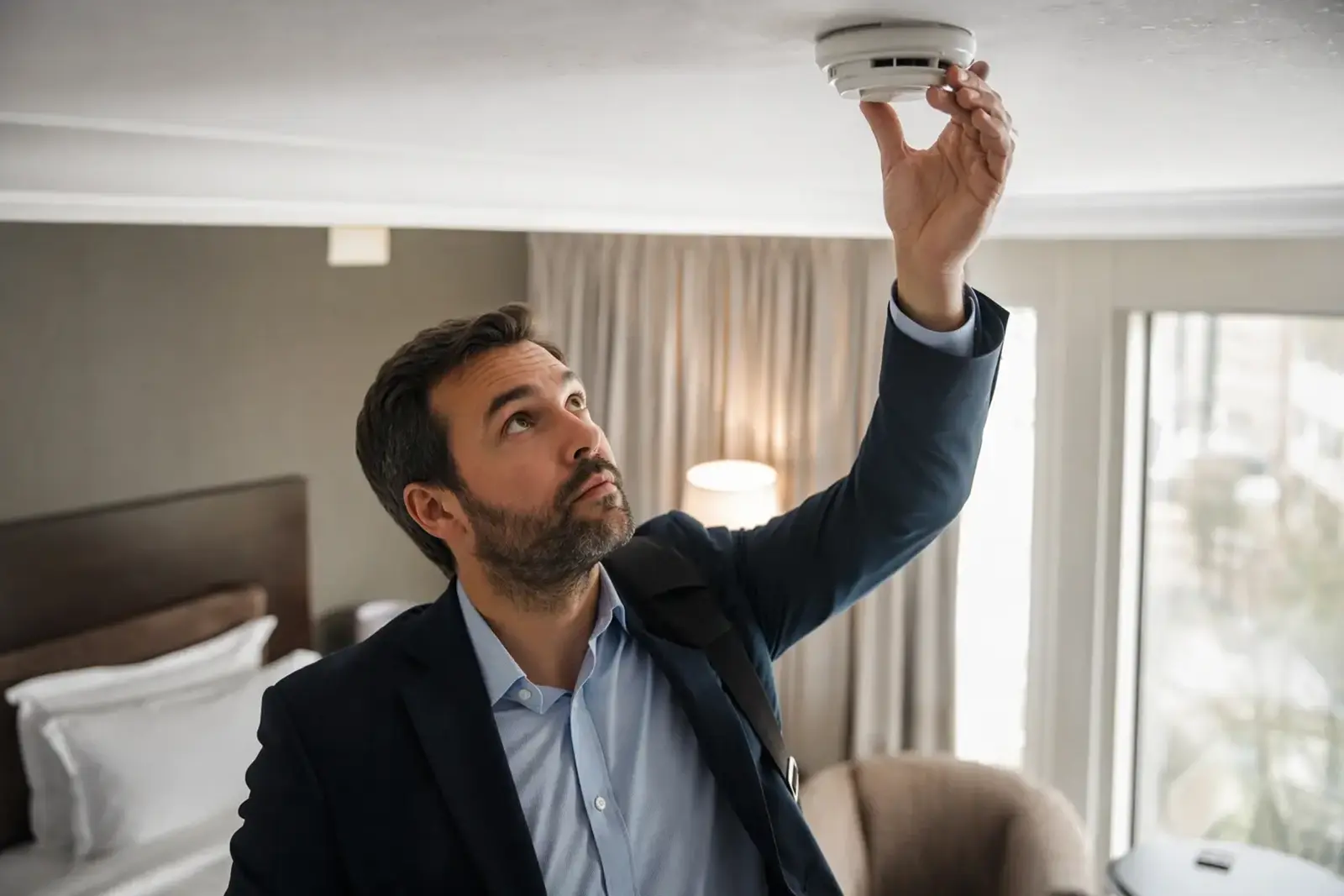
- Checking that nobody is secretly watching or tracking you, for example looking for hidden cameras in a rental. Read more
- Cyberdeck
- A small, self-built or hobby computer you can carry. littleWEBZ is a tiny pocket server in that spirit: your phone is its screen. Read more
- dBm
- The unit of radio signal strength. -30 dBm is very strong; -90 dBm is very weak. Read more
- Diary PIN
- The 4-number code that opens your own diary. Resetting it erases your private entries, so a reset never opens a diary.
- Disaster prepping
- Getting ready for storms, power cuts and other emergencies before they happen. Read more
- ESP32-S3
- The dual-core chip inside littleWEBZ. It runs the Wi-Fi, the website, the screen and the Signal Finder. Read more
- Family Fun Night
- The live trivia game on littleWEBZ for up to 4 phones, with 100 questions in 5 rounds.
- Family hub
- One shared place for a family's messages, calendar, lists and fun. (Samsung also uses "Family Hub" as the name of its smart fridges; littleWEBZ is not a fridge and is not made by Samsung.) Read more
- Hot and cold
- Finding a gadget by walking and watching the meter grow as you get closer, like the children's game. Read more
- Joker
- In Fun Night, each team can play one joker per game to double its points for one round.
- Memory card (microSD)
- The small card inside the stick. It holds everything: the library, your posts, photos and diaries. littleWEBZ comes with a 32 GB card.
- No subscription
- You pay once ($69.99) and never pay a monthly or yearly fee. Read more
- Offline
- Working without the internet. Everything on littleWEBZ works offline, all the time. Read more
- Parent PIN
- The 6-number code the first person chooses at set-up. Only it can change the Wi-Fi, reset a diary PIN or remove a family member.
- Power bank
- A pocket battery with a USB port. littleWEBZ has no battery, so a power bank lets you carry it around. Read more
- Private Wi-Fi
- A Wi-Fi network with its own password that only your family's phones join. littleWEBZ makes its own. Read more
- QR code
- A square code your phone camera can read. The stick shows two: one joins the Wi-Fi, one opens the website.
- Radar picture
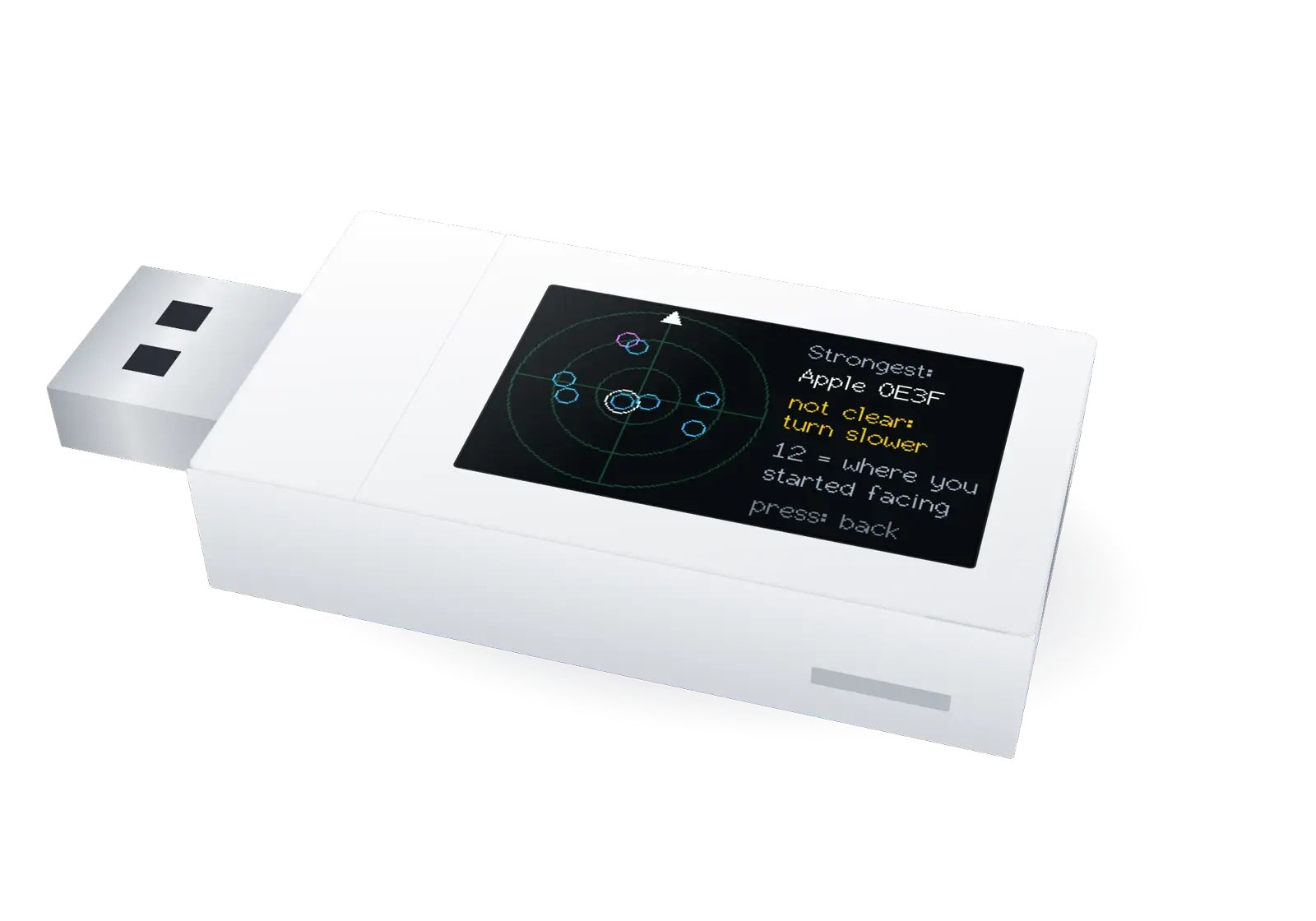
- What the Signal Finder shows after a slow turn: each dot is a gadget, placed in the rough direction of its signal. Read more
- Recovery code
- The code printed on each stick's box card. It sets a new Parent PIN if the old one is forgotten.
- Router
- The box that brings internet into a home. littleWEBZ does not need one: it makes its own Wi-Fi. Read more
- Signal Finder
- The stick's second mode: a silent Wi-Fi and Bluetooth meter that helps you look for hidden gadgets. It only listens. Read more
- Simple English Wikipedia
- A version of Wikipedia written in easy English. About 290,000 articles (text only) are on the stick. Read more
- TRACKER?
- A Signal Finder clue: this Bluetooth gadget looks like a tracking tag, such as an AirTag, Tile or SmartTag. Read more
- USB-A
- The common, flat USB plug. littleWEBZ takes its power from any USB-A port: a charger, a computer, a car or a power bank.
- Wi-Fi password
- The key that lets a phone join a Wi-Fi network. Each littleWEBZ stick makes its own random password. Read more
- Wikibooks
- Free books written by volunteers. All of English Wikibooks, more than 4,000 books, is on the stick. Read more
- Wikijunior
- The part of Wikibooks with books made for kids. Read more
More help: the littleWEBZ Help guide.
littleWEBZ is $69.99. No monthly fee, no accounts and no internet needed.